One more swing?
Settle into Unlimited practice or take on a 10-swing Rally. Give your next round something to beat.
 Get RAiDAR
 THE NEXT CHAPTER OF RAiDAR
Your bat. Your ball. A whole new game.
Hit off a tee and watch
your swing come to life in Flightcast.
Flightcast + Radar Gun. One app. One subscription.
01 / THIS IS FLIGHTCAST
Your net catches the ball.
Flightcast takes it to the stadium.
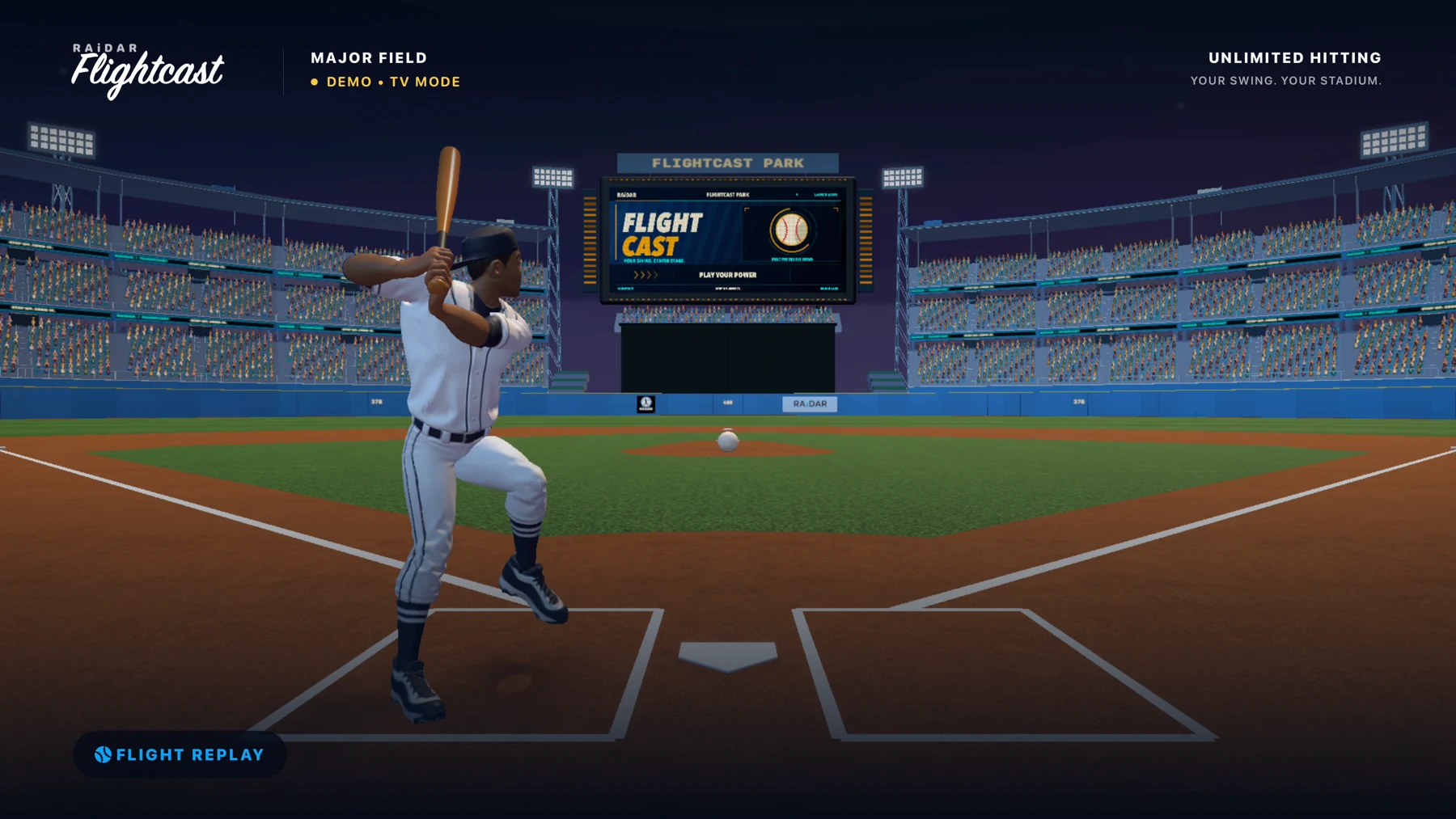
Settle into Unlimited practice or take on a 10-swing Rally. Give your next round something to beat.
Earn characters and bats through real hitting milestones. Build a lineup that feels like you.
The crack of contact. The crowd reaction. Stadium sound you can tune to your space.
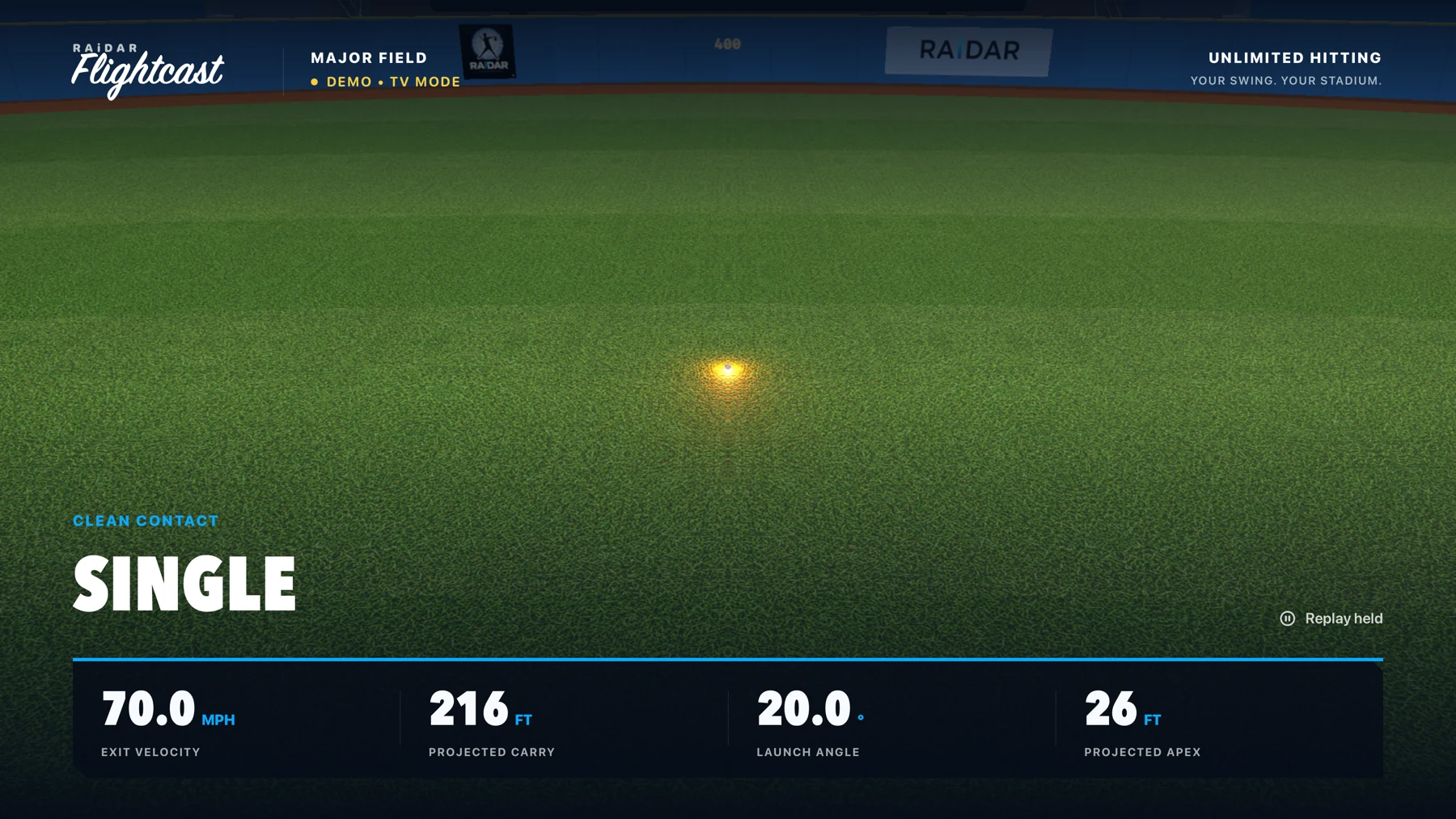
See estimated exit velocity and launch angle, plus simulated ball flight and projected distance.
02 / YOUR NEXT ROUND STARTS HERE
An iPhone, a tee, a bat, a baseball, and a safe place to swing. You bring the setup. RAiDAR brings the ballpark.
See the setup guideKeep it upright on a stable mount behind the tee. Follow the in-app How to Hit guide for positioning.
Line up the ball in the placement ring and wait for Ready.
Hit into an impact-rated net or screen. Watch the replay, see your result, and step back in.
03 / BRING THE BALLPARK WITH YOU
Play right on your iPhone.
Or give your ballpark a bigger
screen.
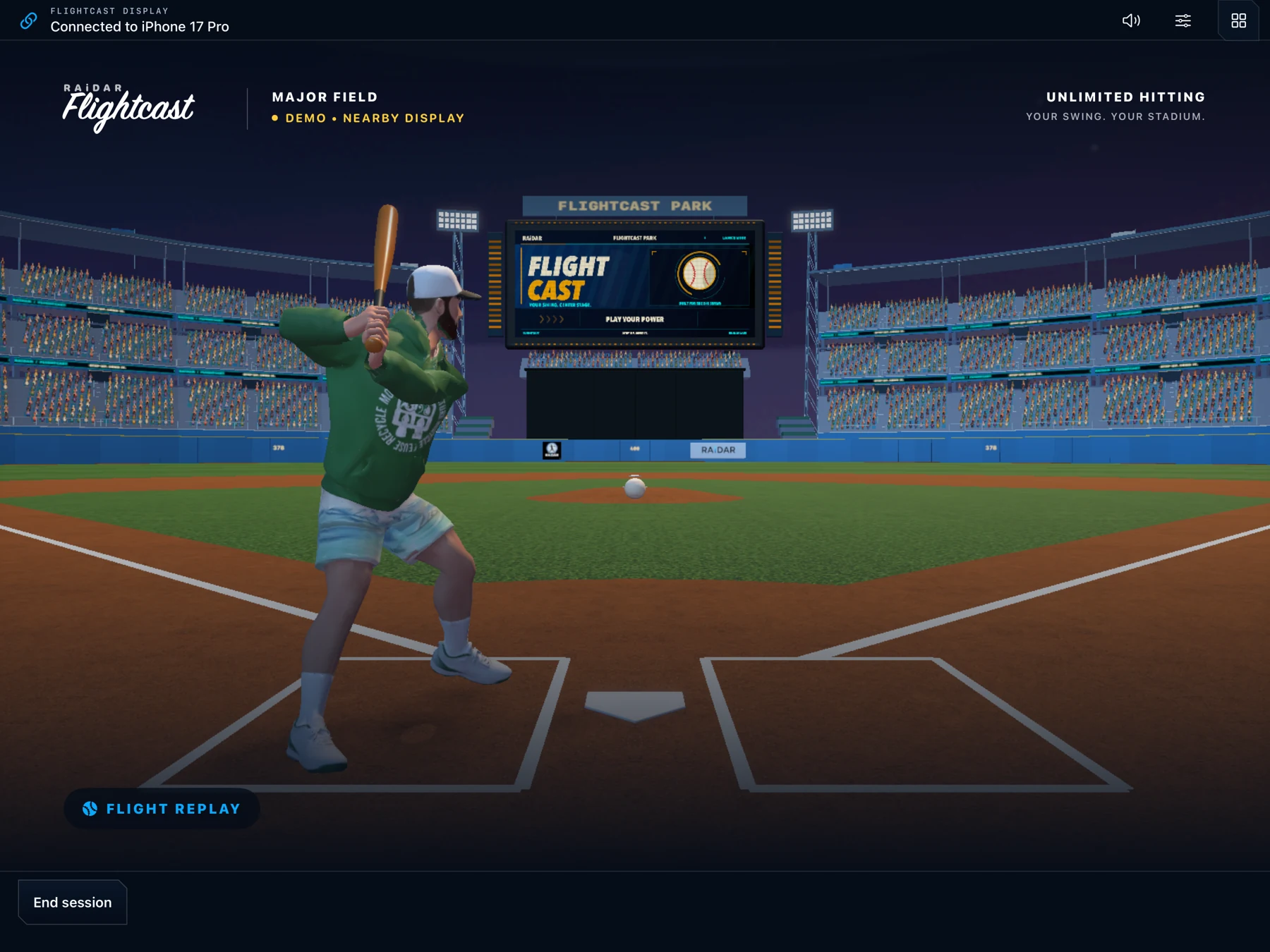
NEARBY iPAD DISPLAY
Your iPhone measures the hit. Your iPad brings the ballpark to life. Replay, resume, and control the session from either screen.
Keep Wi-Fi and Bluetooth on. A subscribed host iPhone is required.
OPTIONAL TV MODE
Put the stadium, replay, and scoreboard on a compatible TV. Your iPhone stays with you as the camera and controller.
AirPlay uses the same Wi-Fi network. A TV is optional.
ALSO IN YOUR RAiDAR APP
THE ORIGINAL. STILL INCLUDED.Find your fastball with the original RAiDAR. Record a pitch on your iPhone, get an estimated velocity, and keep the replay.
Meet Radar Gun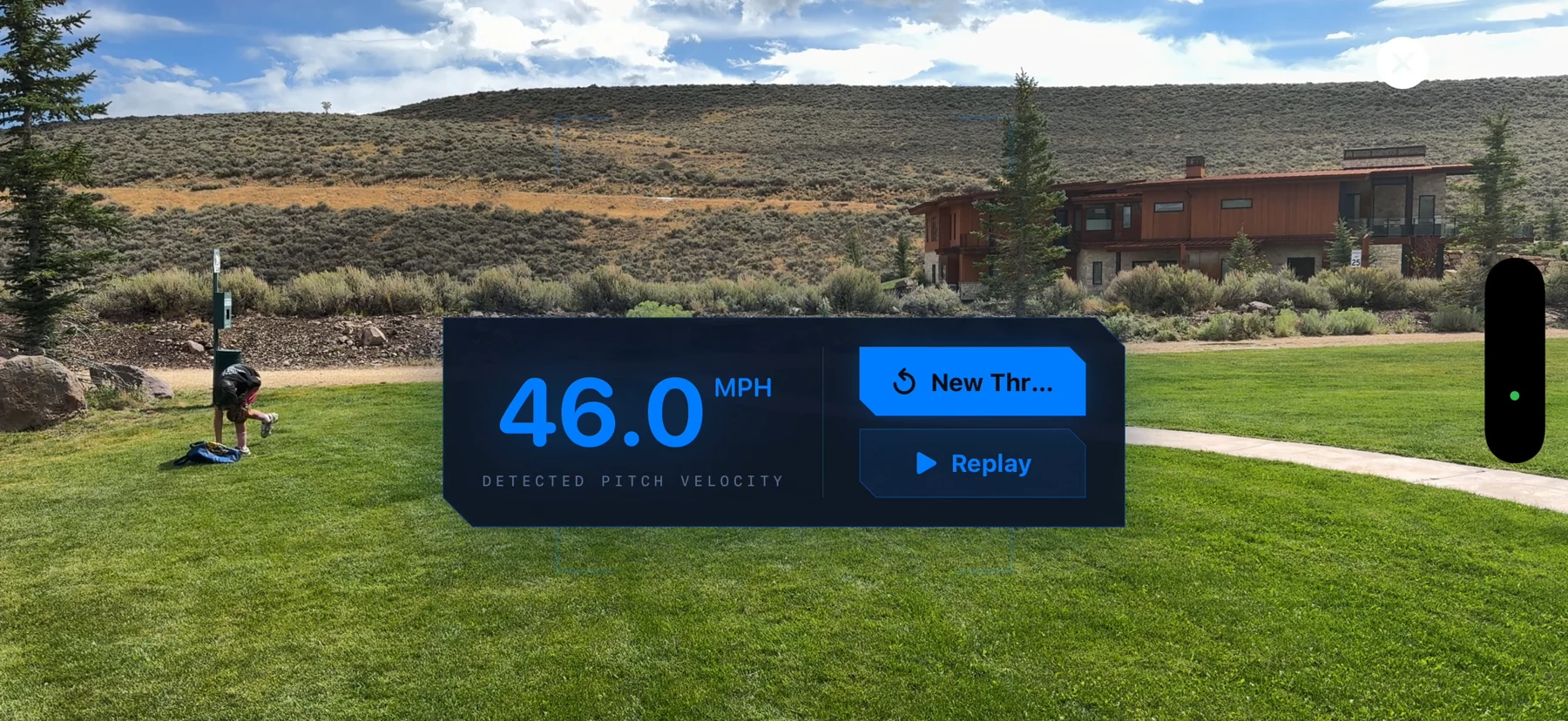
High-speed video turns a recorded pitch into a reading.
Organize your throws and return to your best.
Export your pitch video with its velocity overlay.
Field-tested alongside radar-gun readings. Velocity is estimated; individual results vary with setup and conditions.
Yes. Flightcast is the new flagship experience in RAiDAR, alongside the original Radar Gun. One app and one Monthly or Annual subscription include both modes. Existing active RAiDAR subscribers receive Flightcast with their current access.
A compatible iPhone, stable phone mount, tee, bat, baseball, and an impact-rated hitting net or screen. Allow clear space around the hitter and follow the in-app How to Hit guide. RAiDAR requires iOS 18 or later; capture depends on your device's camera capabilities. See the App Store listing for compatibility.
No. Play on your iPhone, or use an optional larger display. A compatible TV connects through AirPlay or a wired video adapter. An iPad running the same RAiDAR app can connect nearby without a router or internet for the display link. Keep Wi-Fi and Bluetooth enabled and allow Local Network access. See iPad setup or TV setup.
Flightcast estimates exit velocity and launch angle from your tee hit. The stadium replay and distance are simulated projections. Results depend on lighting, camera placement, stability, device capability, and a clear view of the ball.
Practice at your own pace in Unlimited, or try to beat your best in a 10-swing Rally. Real hitting milestones unlock characters and bats. Demo swings let you explore the ballpark without adding to your hitting progress.
Flightcast and Radar Gun are both included in the same Monthly or Annual subscription. A paired iPad used as a display does not need a second subscription. Prices, any introductory offer, eligibility, and renewal terms appear before purchase. Get subscription help.
HITTING. PITCHING. ALL IN.
Step up to Flightcast.
Keep your original Radar Gun.